Fitbit Became Google Health: What Changed and What Broke
Starting May 19, 2026, Google replaced the Fitbit app with the Google Health app and began requiring a Google Account to keep using it, per Google's own migration notice. The rollout changed the sleep score formula, removed some features, and introduced sync and tracking bugs that Google is still working through.
What actually changed when Fitbit became Google Health?
The app itself was swapped out. Google's help center describes the change as a "fully redesigned" experience, and confirms the sleep score algorithm was recalculated, several legacy features were dropped, and a Google Account is now mandatory for anyone activating a new Fitbit or Pixel device (Google Health Help Center). Fitbit's Sleep Profile and its monthly "sleep animal" summaries are gone entirely, and on older Sense and Versa 3 devices, Snore Detection was removed along with its sensitivity settings.
The account layer changed too. If you had not moved your Fitbit login to a Google Account by May 19, 2026, you lost access to the app until you completed that migration, and Google began processing data deletions for unmigrated accounts on July 15, 2026 (Google Health Help Center). That account merge is permanent once completed. There is no path back to a standalone Fitbit login.
Why is Google Health showing bugs after the migration?
Because the backend logic, not just the interface, was rebuilt, and some of it shipped before it was ready. Google published a public roadmap in response to user complaints, and it lists concrete, acknowledged defects: missing sleep scores for some users, inconsistent data between the Today and Health tabs, workouts mislabeled by type, and gaps in nutrition goal tracking (9to5Google's reporting on the roadmap).
The roadmap also lists fixes still in progress as of the reporting date: a combined 24-hour sleep view that shows naps alongside main sleep, better detection of minor awake moments, and the ability to delete individual sleep sessions. If your sleep or activity numbers look wrong since the switch, you are very likely seeing one of these documented, open issues rather than a problem with your device or your body.
Separately from sleep, some users reported the calorie deficit view disappearing from the redesigned app shortly after launch, a change several outlets covered as a quiet removal rather than an announced one. If a feature you relied on vanished without a changelog entry, check whether it is on Google's roadmap before assuming it is permanent.
Will I lose my Fitbit history if I do not migrate?
Yes, eventually, if you take no action. Google's policy is explicit: you can still export or delete your data any time before deletions begin, but once Google starts processing deletions for accounts that never moved to a Google Account, that data is gone (Google Health Help Center). If you have not migrated and you want to keep your history, export it now rather than waiting.
To export, go to the Fitbit settings page, sign in, and request a full data archive under Data Export in account settings. Google emails you when the archive is ready, with a link to download it (Google Health Help Center, exporting Fitbit data). Do this regardless of whether you plan to keep using the app, since a local copy of your raw data is the only version you fully control.
Does the Google Health migration affect how MotionSync connects to Fitbit?
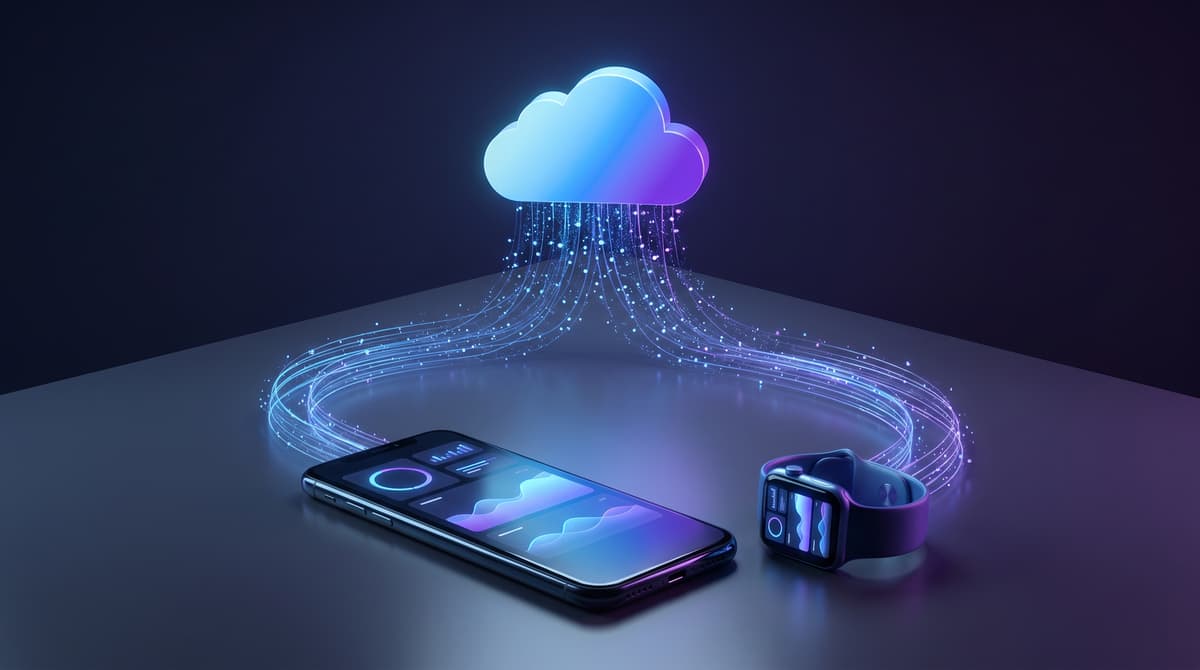
MotionSync connects to Fitbit through its official API, the same integration layer Google is updating as part of this migration, so our connection follows whatever Google ships on their side. If Google changes authentication requirements or data fields available through that API, we update our integration to match, and your MotionSync history is stored independently of Fitbit's own scores, so a Fitbit-side bug does not erase anything you have already synced into MotionSync. This is the same reason that switching wearable brands does not erase your MotionSync trend lines, which we cover in what happens to your health data when you switch wearables.
What should Fitbit users do right now?
Three concrete steps. First, confirm whether your account has completed the move to a Google Account, since an unmigrated account loses access and is on a deletion timeline. Second, export your historical data as a backup even if you plan to keep using the app, because an export costs you nothing and protects you if a future bug corrupts a view you rely on. Third, before concluding a reading is wrong, check Google's published roadmap and community threads, since several of the complaints people assume are device problems are documented app-side bugs with fixes already scheduled.
What if I use Fitbit through a third-party app like a coach or a food tracker?
Check that third-party app's own changelog before assuming it still works the same way. Several apps that pull Fitbit data through the Fitbit Web API are migrating to the newer Google Health API on their own timeline, and Google's developer documentation confirms the two APIs are not identical, so a third-party integration that worked yesterday can lose fields or change authentication requirements without any action on your part (Google Health API migration overview). If a connected app suddenly stops syncing steps or sleep, the first thing to check is whether that app has published a note about adapting to the new API, not whether your Fitbit device itself is broken.
Comparison: Fitbit app vs Google Health app
| Feature | Old Fitbit app | Google Health app (post-migration) |
|---|---|---|
| Login | Fitbit account | Google Account required |
| Sleep Profile / sleep animals | Available | Removed |
| Sleep score formula | Legacy Fitbit formula | Recalculated, still being tuned per roadmap |
| Snore Detection (Sense, Versa 3) | Available | Removed |
| Data export | Fitbit Data Export tool | Google Health Data and Privacy export |
| Known open bugs | N/A | Missing sleep scores for some users, Today/Health tab inconsistencies, workout mislabeling (per Google's roadmap) |
FAQ
Is the Fitbit app gone for good?
Yes, for most users as of the May 2026 rollout window. Google describes the Fitbit app as replaced by the Google Health app, and new Fitbit and Pixel device activations now require a Google Account rather than a standalone Fitbit login.
Why did my Fitbit sleep score change after the update?
Google recalculated the sleep score formula as part of the migration and has acknowledged some scores are missing or inconsistent for certain users while fixes roll out. Check your sleep stage data directly if the score itself looks off, since the underlying stages may still be accurate even when the score display has a bug.
Can I avoid moving to a Google Account?
Not if you want to keep using Fitbit services. Google requires the move to keep app access, and accounts that never migrate are on a path to data deletion. If you want to stop using Google Health entirely, export your data first, since you lose that option once deletion processing begins.
Related Articles:
About the author

Written by MotionSync Team
Editorial Team
The MotionSync editorial team writes about wearable data, recovery, sleep, and heart health in plain English. Articles draw on peer-reviewed research and the metrics your wearable already tracks. Content is for general education and is not a substitute for medical advice.